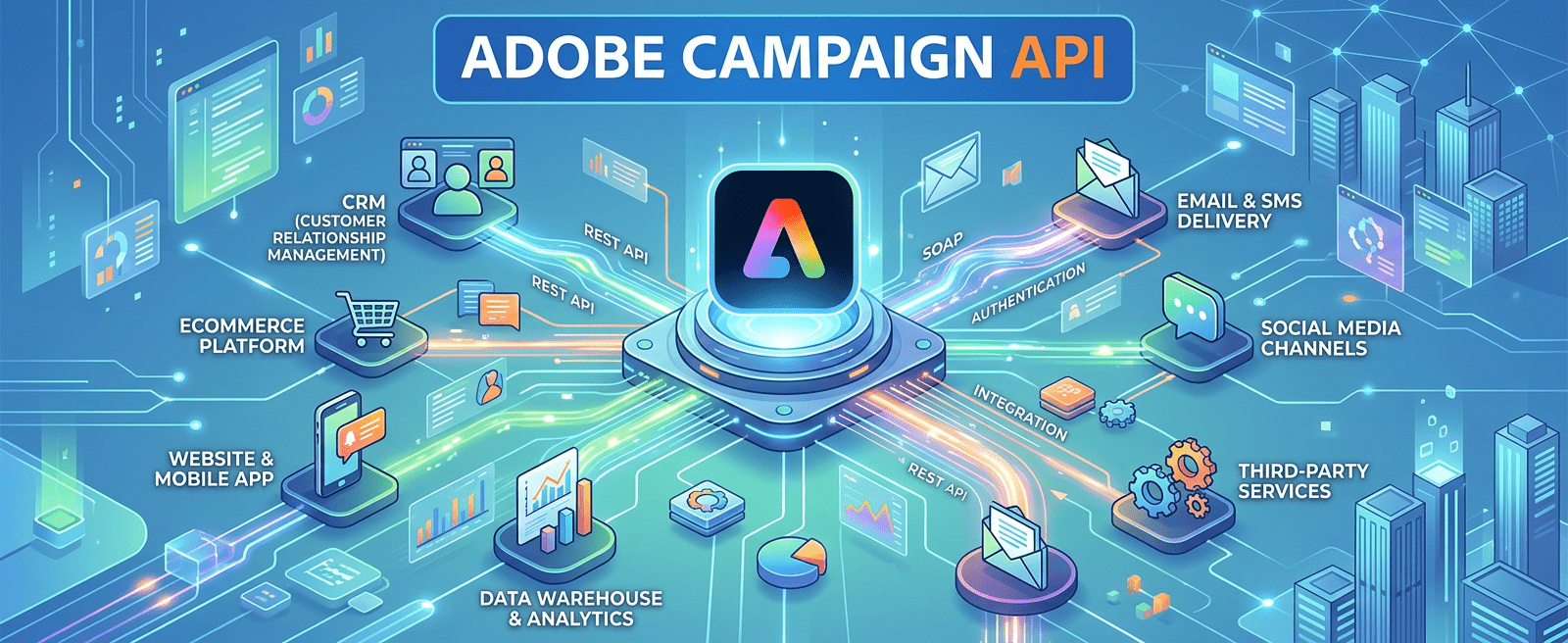
This article presents an alternative approach for exposing Adobe Campaign data through a custom JSSP API by leveraging Dynamic JavaScript Pages. Rather than relying on SOAP web services, this method provides a lightweight, JSON-based endpoint that can be consumed by external tools, WebApps, or front-end JavaScript.

Setup

  1. Navigate to Administration > Configuration > Dynamic JavaScript Pages.
  2. Create a new page and assign a custom name using the following format: namespace:pagename.jssp — for example, cus:recipientAPI.jssp.
  3. Paste the script below into the page body.Full Script

Full Script

<%@ page import="/nl/core/shared/nl.js"%>
<%
    // Required server-side dependencies
    NL.ns('NL.API');
    NL.require('/nl/core/shared/core.js')
       .require('/nl/core/jsspcontext.js');

    // Response headers
    response.setContentType('application/json');
    response.addHeader('Access-Control-Allow-Origin', '*');
    response.addHeader('Pragma',        'no-cache');
    response.addHeader('Cache-Control', 'no-cache');
    response.addHeader('Date',          new Date());
    response.addHeader('Expires',       new Date());

    // Enforce authentication
    var jsspContext = new NL.JSSPContext(request);
    if (!jsspContext.checkAuthentication()) {
        response.sendError(403, 'Authentication required');
        return;
    } else if (request['method'] != 'POST') {
        response.sendError(405, 'Method Not Allowed [' + request['method'] + ']');
        return;
    }

    // Fetch recipient ID from URL parameter
    var rcpId = request.getParameter('id');

    try {
        if (rcpId) {
            var rcpObj = nms.recipient.load(rcpId);

            // Build response payload
            var responseData = {
                'id':           rcpObj.id,
                'firstName':    rcpObj.firstName,
                'lastName':     rcpObj.lastName,
                'email':        rcpObj.email,
                'company':      rcpObj.company,
                'jobTitle':     rcpObj.JOB_TITLE,
                'phone':        rcpObj.phone,
                'origin':       rcpObj.origin,
                'doubleOptIn':  rcpObj.doubleOptin,
                'blacklist':    rcpObj.blackList,
                'address1':     rcpObj.location.address1,
                'address2':     rcpObj.location.address2,
                'address3':     rcpObj.location.address3,
                'address4':     rcpObj.location.address4,
                'zipCode':      rcpObj.location.zipCode,
                'city':         rcpObj.location.city,
                'lastModified': rcpObj.lastModified
            };

            document.write(JSON.stringify(responseData));
        } else {
            response.sendError(400, 'Bad request — missing [id] parameter');
        }
    } catch (err) {
        var errorData = { 'error': err.toString() };
        document.write(JSON.stringify(errorData));
    }
%>

Dependencies

The following libraries are required to enforce and verify JSSP authentication:

<%@ page import="/nl/core/shared/nl.js"%>
<%
    NL.ns('NL.API');
    NL.require('/nl/core/shared/core.js')
       .require('/nl/core/jsspcontext.js');

Response Headers

Basic headers to control cache behaviour. A full list of configurable response headers is available at https://developer.mozilla.org/en-US/docs/Glossary/Response_header.

Authentication

JSSP authentication can be controlled using logonEscalation(webapp) or by specifying a custom operator. The following authentication functions are available:

  • logon()
  • logonEscalation()
  • logonWithContext()
  • logonWithToken()
  • logonWithUser()

Request Details

  1. URL structure: https://<yourinstance>/cus/recipientAPI.jssp?id=1234567
  2. cus is the namespace defined when creating the JSSP page; id contains the recipient ID to load.
  3. To test in a browser, change line 23 from request[‘method’] != ‘POST’ to request[‘method’] != ‘GET’. By default, only POST requests are accepted.
  4. You must be logged in to the Adobe Campaign instance, as the JSSP context relies on a session token. Log in via any WebApp on the same instance, or use the following URL: https://<yourinstance>/nl/jsp/logon.jsp?target=%2FwebApp%2F

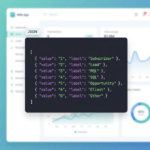
API Response


References

Adobe Campaign JS API — load()

Campaign Classic web service call via REST

JSSP — Creating recipients (AC + AEM)

Functions and objects in Adobe Campaign (Florian Courgey)

https://martech.network/
Do you like David Garcia's articles? Follow on social!

Login

Welcome! we are excited to have you.

Martech.network is an inspiring community where marketing automation experts unite to exchange innovative ideas, tackle challenges, and elevate each other. Our mission is clear: Unite minds, ignite creativity, and empower growth through digital innovation.
Registration